Company Email Signatures: Policy, Templates and Company-Wide Management
A practical guide to company email signatures for teams of 100+: required elements, a one-page signature policy, template strategy and a step-by-step company-wide rollout.
Sophie Grant
Email Signature Specialist, Scribe
On this page
- What should a company email signature include?
- Write a company email signature policy
- Choose templates: how many do you need?
- Company email signature examples by team
- Standard employee
- Sales
- Customer support
- Executive
- Reply and internal versions
- Common company signature mistakes
- Why company-wide signatures drift
- How to manage email signatures company-wide (step by step)
- Rollout announcement you can send
- Native tools vs. a signature manager
- How Scribe handles company email signatures
- Frequently asked questions
- What is a company email signature?
- How do I create one email signature for my whole company?
- Can Microsoft 365 or Google Workspace manage company signatures natively?
- Who should own the company email signature, IT or Marketing?
- How do I stop employees changing their company signature?
- How long does a company-wide rollout take?
- What size should the logo be in a company email signature?
- Next step
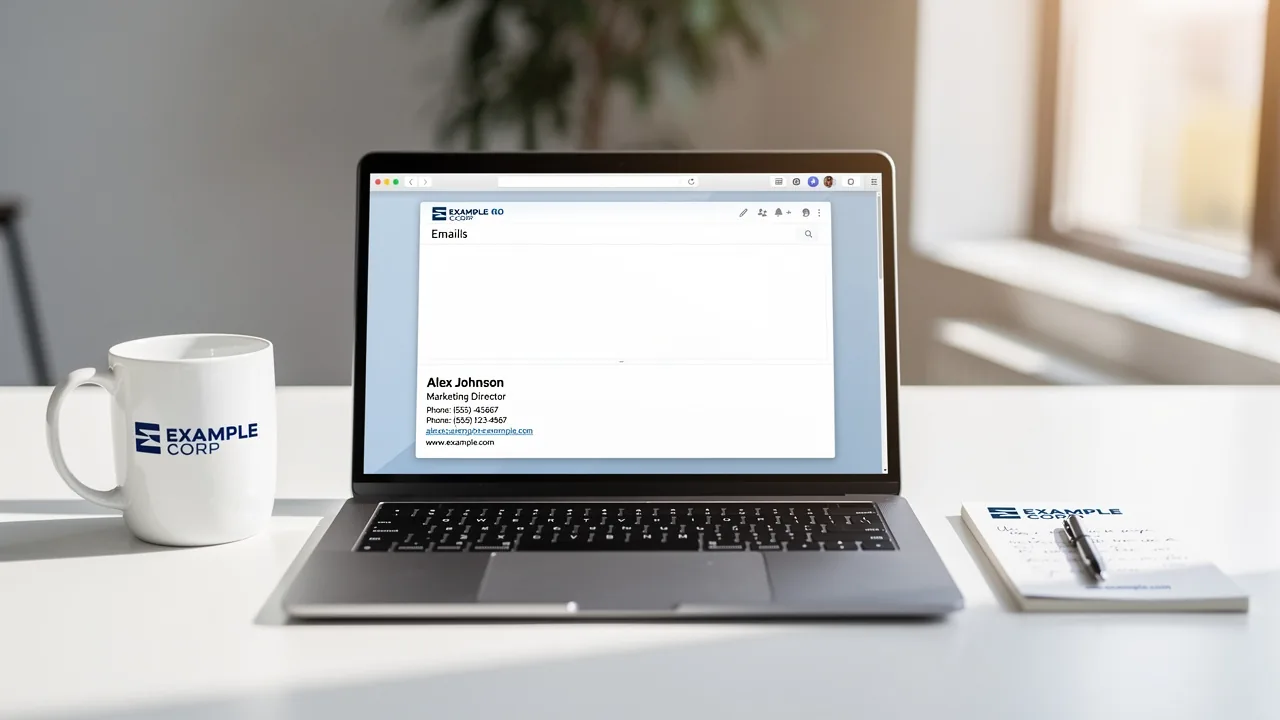
A company email signature is the standard signature every employee uses: the same design, logo, legal text and structure, with each person's details filled in. At 10 people you can manage that with a shared template. At 100 or more, you need a policy, an owner and a system, or your signatures drift within weeks.
This guide covers what a company email signature should include, how to write the policy, how to choose templates, and how to roll out and manage signatures company-wide in Microsoft 365 and Google Workspace.
What should a company email signature include?
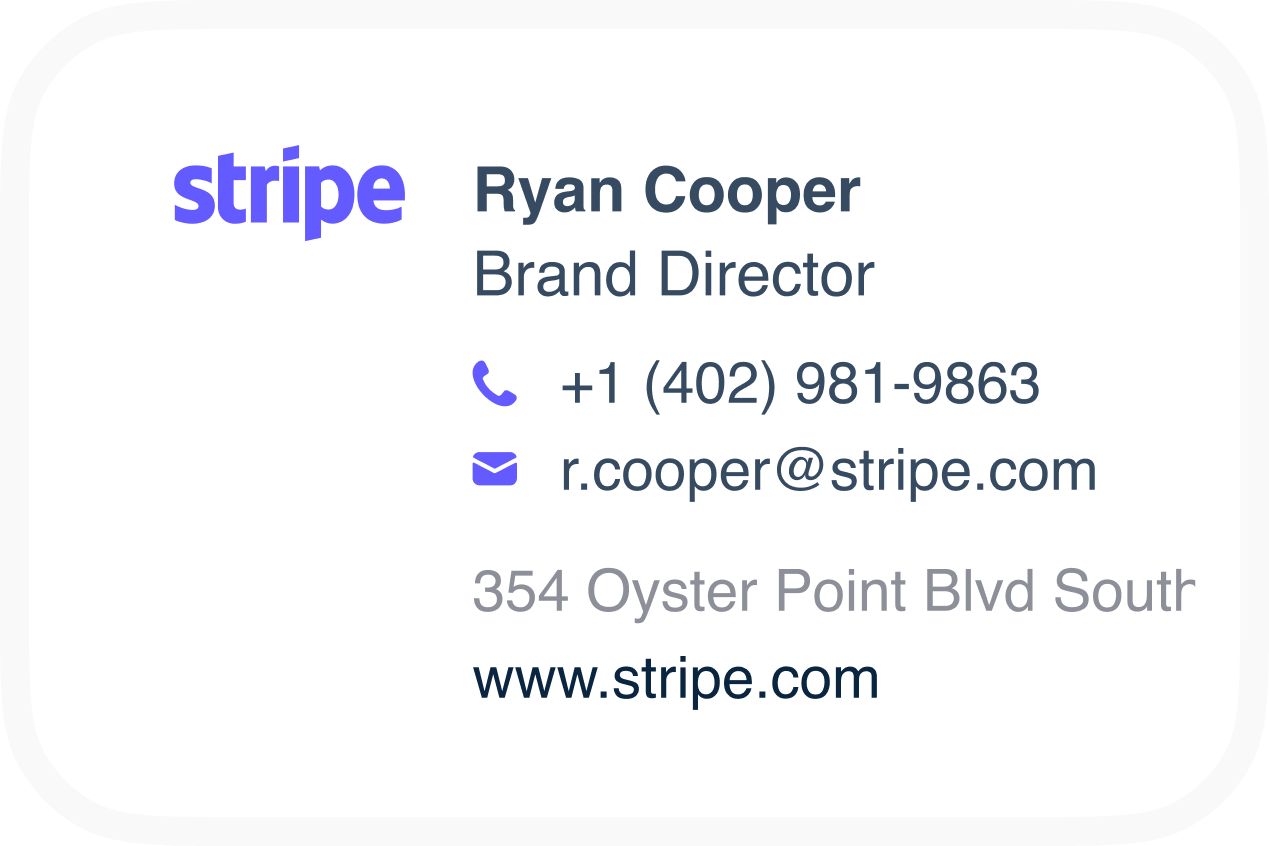
A good corporate email signature is short, scannable and consistent. Include these elements:
| Element | Required? | Notes |
|---|---|---|
| Full name | Yes | From the directory, never typed by hand |
| Job title and department | Yes | Synced, so promotions update automatically |
| Company name and logo | Yes | One approved logo file, hosted centrally, sized for retina screens |
| Phone (direct or mobile) | Usually | Hide the line if empty. Don't show a blank label. |
| Website | Yes | Use a tracked link if you measure traffic |
| Office address or location | Optional | Required on business emails in some countries (UK and Germany, for example) |
| Pronouns | Optional | Offer as an opt-in field |
| Booking link | Sales and success teams | Synced from Calendly, Chili Piper or Cal.com |
| Social icons | Optional | Company accounts only, two to four icons |
| Banner | Optional | One campaign at a time, with an expiry date |
| Legal disclaimer | If required | Below the signature, in a smaller font. See confidentiality disclaimer samples. |
Need inspiration? Browse professional business email signature examples and corporate signature examples.
Get started with Scribe
Manage signatures across your whole team
Free 14-day trial — no credit card.
Write a company email signature policy
A one-page policy prevents most problems. Cover the following:
- Scope. Say who it applies to (all employees, contractors, shared mailboxes) and on which clients (desktop, web, mobile).
- Ownership. Marketing owns design and banners. IT owns deployment and access. Legal owns the disclaimer text. HR owns the data quality of titles and departments.
- Required fields and order. List them, as in the table above.
- What's not allowed. No personal quotes, unapproved images, personal social links, edited logos or custom fonts.
- Variants. Define the full external signature, a short reply version, and an internal version.
- Exceptions. Executives, regional brands and regulated roles may need specific templates.
- Change process. Explain how to request a new banner or template, and how quickly it ships.
Our corporate email signature template guide includes a template you can adapt.
Choose templates: how many do you need?
Start with one company template. Add others only when the content really differs:
- By department. Sales gets a booking link, support gets the help-center link, and recruiting gets a careers link.
- By brand or region. Use these for subsidiaries, local addresses, languages and legal text.
- By role. Executives may get a cleaner design, and regulated roles get license numbers.
- By context. Use reply and internal variants of the same template.
Keep the structure the same across templates so the brand reads as one company. Templates differ in content, not in layout. For design rules (fonts, sizes, colors), see standard email signature format.
Company email signature examples by team
These examples share the same structure and change only the content for each team. That's what keeps a company signature recognizable.
Standard employee
Jordan Lee
Product Manager, Platform | Acme Corp
+1 555 010 2020 | acme.com
[Logo]
Sales
Priya Shah
Account Executive | Acme Corp
+1 555 010 3030 | Book a 20-minute call: [booking link]
[Logo] [Banner: upcoming webinar]
Customer support
Sam Ortiz
Customer Success Lead | Acme Corp
Help center: help.acme.com | Status: status.acme.com
[Logo]
Executive
Alex Martin
Chief Executive Officer | Acme Corp
acme.com
[Logo]
Reply and internal versions
Jordan Lee | Product Manager | Acme Corp | +1 555 010 2020
Executives usually get the cleanest version, with fewer lines and no banner. More ideas: CEO email signature best practices.
Common company signature mistakes
- Images for everything. If the name and phone are inside an image, they disappear when images are blocked, and nobody can copy them.
- Too many elements. Five social icons, two banners, a quote and three phone numbers bury the essentials.
- Unhosted or huge logos. Attached images show up as attachments. Oversized files slow down mobile.
- No reply version. A full banner repeated 15 times in a thread looks like spam.
- Disclaimers above the signature. They push contact details out of view and get skimmed anyway.
- Banners nobody updates. An expired event banner is worse than no banner.
Why company-wide signatures drift
- Copy-paste HTML. Every person installs it differently, and Outlook, Gmail and mobile all render it differently.
- Stale data. Titles and numbers change, and signatures don't.
- Local edits. People add quotes, change the logo, or remove the banner.
- New hires. They copy a colleague's signature, wrong phone number included.
- No coverage on mobile. "Sent from my iPhone" replaces the brand in a large share of replies.
- Every change needs IT. So Marketing stops asking, and the signature never gets used as a channel.
How to manage email signatures company-wide (step by step)
- Connect your directory. Sync Microsoft Entra ID or Google Workspace Directory so every employee is imported with their details, and new hires are added automatically.
- Fill the data gaps. Add HR or phone sources for fields the directory doesn't hold, and fix missing titles before launch.
- Build templates in a visual editor. Use dynamic fields for personal data and lock the layout.
- Assign by rule. Map departments, groups or org units to templates, and exclude service accounts.
- Deploy centrally. Use an add-in for Microsoft 365 or an app for Google Workspace, so signatures appear in the compose window with no employee action. Add server-side routing if you need every device covered.
- Enforce. Replace local edits with the approved version automatically.
- Hand over to Marketing. Give them editor and campaign access with role permissions, so banner updates don't need a ticket.
- Measure. Track installation coverage and banner clicks, and review quarterly.
Platform details: Office 365 email signature management and company-wide email signatures in Gmail. The automation side is covered in email signature automation.
Rollout announcement you can send
Subject: Your email signature now updates itself
Hi team, starting today, everyone's email signature is managed centrally. Your name, title and phone come from [Entra ID / Google Workspace], so please keep your profile up to date there. You don't need to do anything in Outlook or Gmail. If something looks wrong, reply to this email or contact [owner]. Please don't edit your signature manually, because it will be replaced with the approved version.
Native tools vs. a signature manager
| Native (Outlook/Gmail settings, mail flow rules, compliance footer) | Signature management software | |
|---|---|---|
| Central design | Raw HTML in a rule, or none | Visual editor and templates |
| Personalization | Placeholders (Microsoft) or none (Gmail) | Directory, HRIS, phone and calendar fields |
| Visible while composing | Only user-set signatures | Yes, with client-side deployment |
| Enforcement | Footer only | Full signature, re-applied |
| Departments, brands, variants | Many rules or manual work | Rules, groups and variants |
| Marketing banners and analytics | No | Yes |
| Cost | Included | Per user |
Comparing vendors? See Scribe vs. Exclaimer, Scribe vs. CodeTwo and Scribe vs. WiseStamp.
How Scribe handles company email signatures
- Directory sync and Smart Fields. Sync from Google Workspace, Microsoft Entra ID or Zoho Mail, plus HRIS tools such as BambooHR, Workday, Rippling and HiBob. When data is missing, the layout adapts instead of showing empty lines.
- Department-specific templates and folders. Organize signatures by team, company or country. Auto-assign by department, role or any field.
- One-click central install. Microsoft 365 (web, desktop, iOS, Android), Google Workspace and Zoho Mail, plus server-side for Microsoft 365 and Google Workspace.
- Enforcement and monitoring. Signatures are re-applied on compose, and Scribe radar checks them daily against your brand guidelines.
- Shared mailboxes and aliases. Aliases get their own signatures and aren't charged as extra users.
- Roles for Marketing and IT. Use granular permissions, SOC 2 Type II compliance, and SSO/SAML and audit log add-ons.
- Enterprise plan for 100+ users. Includes volume pricing, custom integrations, dedicated onboarding and a custom signature design by Scribe's team. See Scribe for enterprise.
Frequently asked questions
What is a company email signature?
It's a standard signature design used by every employee, with shared branding and legal elements and personal details filled in for each person. It's usually managed centrally by Marketing and IT.
How do I create one email signature for my whole company?
Design one template with dynamic fields for name, title and phone, connect it to your directory, and deploy it centrally through Microsoft 365 or Google Workspace with a signature management tool. Native options can add a basic footer, but they can't deploy a designed, personalized signature into every mailbox.
Can Microsoft 365 or Google Workspace manage company signatures natively?
Partly. Microsoft 365 can append an HTML block with directory placeholders through mail flow rules, but users don't see it while composing. Google Workspace can append a compliance footer, but it has no central signature editor. Neither offers templates by department, banners or analytics.
Who should own the company email signature, IT or Marketing?
Both. IT owns deployment, permissions and security. Marketing owns design and campaigns. Legal owns disclaimer wording. A tool with role permissions lets each team work without waiting on the others.
How do I stop employees changing their company signature?
Use a signature manager that enforces the approved version. Scribe re-applies it every time someone composes in Gmail or Outlook, so local edits don't stick.
How long does a company-wide rollout take?
With admin access, the technical setup in Scribe usually takes under 30 minutes. IT spends about 10 minutes connecting the provider, and Marketing spends 15 to 20 minutes designing and deploying. A careful rollout with a pilot group typically finishes in under a day.
What size should the logo be in a company email signature?
Keep the displayed size around 100 to 200 pixels wide, upload it at twice that size for sharp display on high-resolution screens, and host it centrally so updates reach everyone. See email signature dimensions.
Next step
Write the one-page policy, build one template, and connect your directory. You can do all three during Scribe's 14-day free trial, with no card required.
Get started with Scribe
Manage signatures across your whole team
Free 14-day trial — no credit card.